
How to clean up decoupled default semantic models in Microsoft Fabric
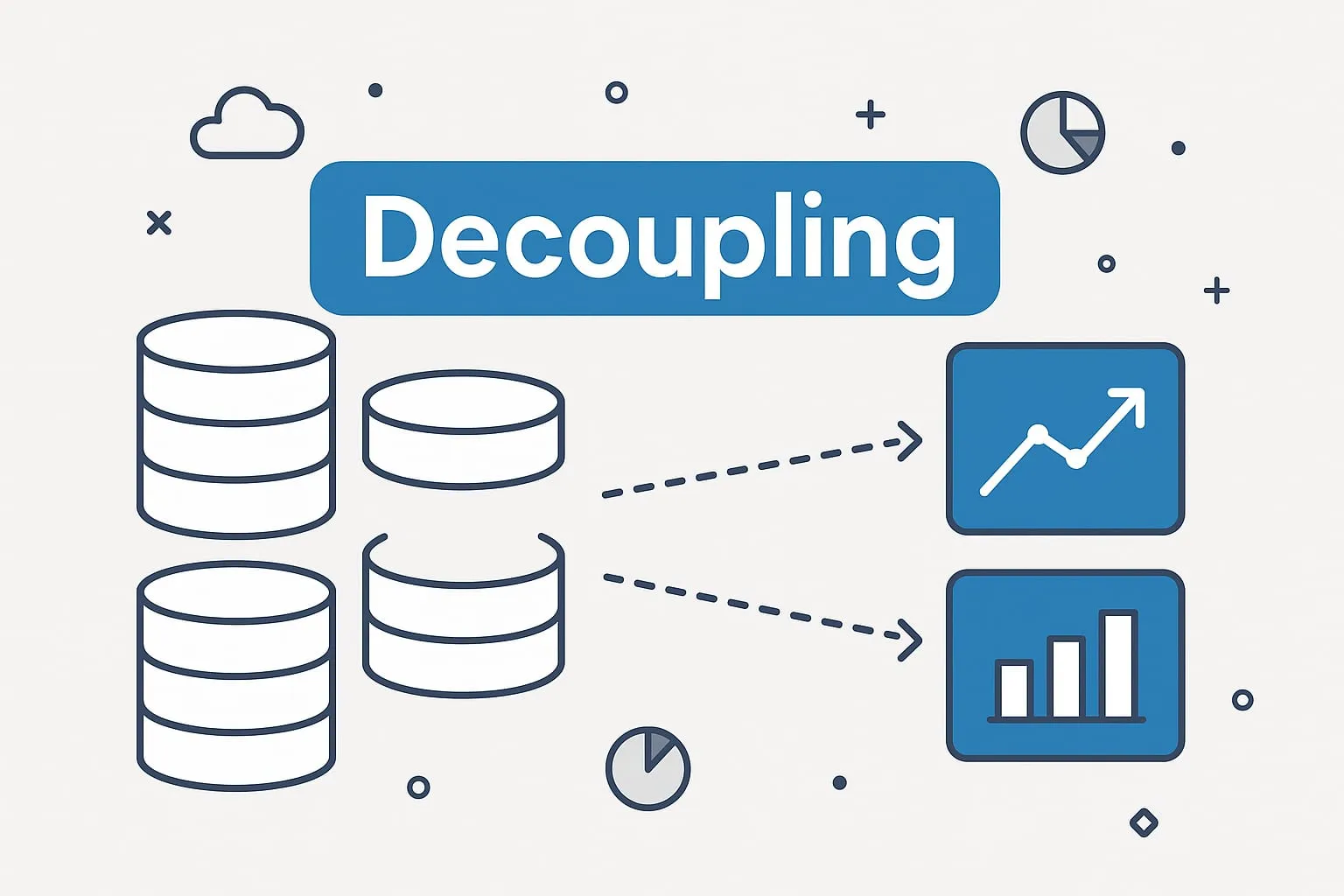
Fabric stopped creating default semantic models on September 5, 2025. By November 30, 2025, it had decoupled every one that was left, turning each into a standalone model that you now own and manage yourself.
Nothing broke, so in most workspaces nobody went back to tidy up. We still open client workspaces full of models named after a warehouse or lakehouse, with no owner, no date table and no real measures. Each one is a model someone might build a report on.
You’re not behind. You just need a place to start. Here are the seven steps we use with clients to get to a clean, intentional semantic layer.
What decoupling changed
- Fabric no longer creates a semantic model when you stand up a warehouse, lakehouse or mirrored database.
- The old default models are now regular semantic models. They no longer sync with the item they came from.
- Reports built on them keep working, which is why they are easy to forget.
The safety net is gone. Those models need the same naming, ownership and design as any other.
Step 1 — Take an inventory
Before you change anything, get a complete list. For each model, note:
- The workspace and model name
- The source (warehouse, lakehouse or mirrored database)
- Whether any reports use it
- Its last refresh and last query
If you’re a Fabric admin, pull the list from the Fabric or Power BI admin APIs. If you lead a workspace, scan its semantic models by hand. The old defaults usually carry the name of the warehouse or lakehouse they came from.
The result is one spreadsheet with columns for workspace, model, source, last refresh, last used and active reports.
Step 2 — Sort them into keep, consolidate or retire
Every model lands in one of three groups.
- Keep. Real reports depend on it. These are the ones worth rebuilding into proper models.
- Consolidate. Different teams built versions of the same thing. Merge them into one well-designed model.
- Retire. No reports use it, or nobody can name a business owner. It can go.
A rule of thumb: if a model hasn’t been refreshed or queried in 90 days, it’s almost always one to retire.
Step 3 — Pick a change window
Rebuilding models and repointing reports is a small migration, so treat it like one. Pick a window, tell the business users who rely on those reports, and plan time to test and confirm nothing unexpected turns up.
Step 4 — Rebuild the models you’re keeping
This is where the real value is. Nobody designed the default models — Fabric generated them. Rebuilding gives you a semantic layer you can trust.
- Export the definition. Bring the model into PBIP or TMDL so it lives in version control and can be reviewed like any other code.
- Refactor it into a star schema. Default models tend to have wide tables, fields nobody uses and unclear relationships. Identify the facts and dimensions, rename tables and fields so the business recognizes them, and remove the clutter.
- Build out the analytics layer. Add standard DAX measures, row-level security, formatting, display folders and descriptions.
- Choose the storage mode. Direct Lake for large Fabric data. Import or DirectQuery when the source sits outside Fabric.
Step 5 — Repoint the reports
Once the new models are published:
- Give each one a name the business understands, such as “Sales — enterprise model”.
- Repoint the existing reports to it.
- Run regression tests on the KPIs that matter most.
- Have the business owners sign off before you cut over.
This is usually the smoothest step. Power BI handles the switch well as long as field names and structures stay consistent.
Step 6 — Remove the retired models
For each model you’re not keeping:
- Double-check that no reports depend on it
- Note what you removed and why
- Delete it
You end up with a much cleaner workspace, and analysts have far fewer models to wade through.
Step 7 — Put governance in place
So you’re not doing this again in six months, set up the basics:
- Naming conventions for semantic models
- A named owner for every model
- A review cycle for schema changes and new measures
- Purview or similar tooling for lineage and metadata
- Training, so analysts build models the same way
Why it’s worth the effort
A clean semantic layer is what makes every downstream number trustworthy, and it’s the foundation Copilot and the other AI features in Fabric rely on. Teams that do this cleanup end up with:
- Cleaner workspaces
- Metrics people can rely on
- Less duplication
- Faster development
- Models that are ready for AI