
Office Online Server retirement: what Power BI Report Server users should do
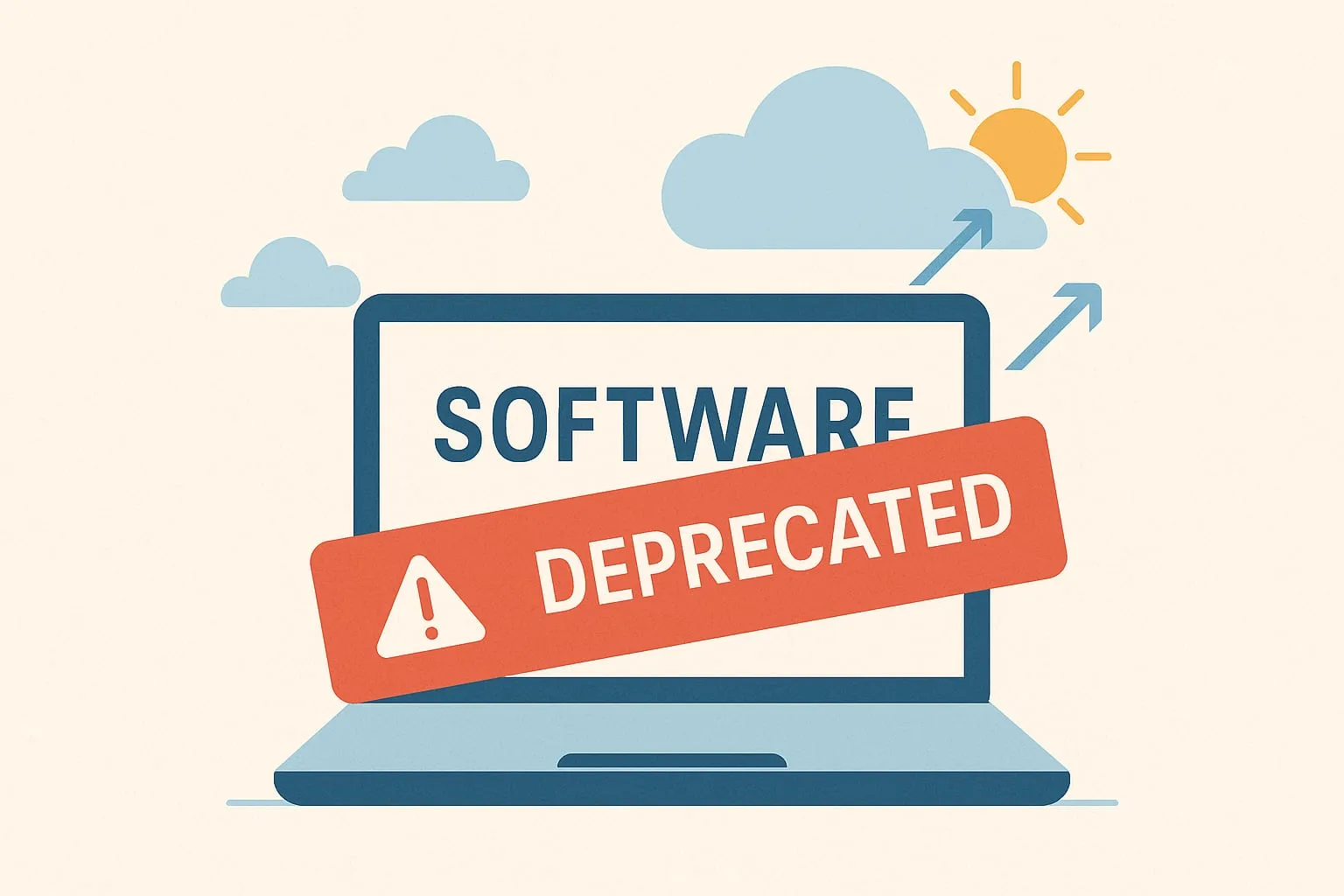
Microsoft has announced the retirement of Office Online Server (OOS) on December 31, 2026. It’s a big shift for organizations still running Power BI Report Server (PBIRS) with Excel workbooks hosted on-premises.
If your business relies on PBIRS for Excel rendering or older reporting workflows, this isn’t just a note to file. It’s a sign of where the whole Microsoft data platform is heading.
Here’s what’s changing, what it means, and why slow-moving industries need to prepare early.
What’s changing
Microsoft’s announcement has three milestones:
- January 2026 — PBIRS stops allowing new OOS configurations for hosting Excel workbooks.
- November 2026 — PBIRS stops supporting Excel workbook hosting through OOS entirely.
- December 31, 2026 — Office Online Server itself reaches end of support.
In short: if you use PBIRS with OOS to host Excel, that capability goes away.
Why this matters for on-premises Power BI
Retiring OOS is more than a technical update. It’s a strategic marker. OOS has always been the engine behind the scenes that let PBIRS render Excel files. With it gone, the direction is clear: on-premises Power BI is not where Microsoft is investing for the long term.
The cloud-first strategy has been obvious for years, but this is one of the clearest signals yet that the on-premises reporting stack has a limited future. You can keep running PBIRS for paginated reports and Power BI visuals, but the feature gap keeps getting wider.
The new features are in the cloud
Compare PBIRS with the Power BI service (and now Microsoft Fabric) and the difference isn’t subtle:
- AI-driven experiences
- Fabric OneLake and Direct Lake
- Central governance and lineage
- Semantic model sharing
- Git integration and deployment pipelines
- Automated refresh at scale
- Modern Excel integration
- Dozens more improvements every quarter
None of these are coming to PBIRS. The OOS retirement is one more nudge from Microsoft saying, “It’s time.”
Slow-moving industries need to act early
Some industries move at a slower pace, and they know it. Banking, government, healthcare and other regulated environments often take years to make platform changes.
Waiting until the last minute means:
- rushed migrations
- more security risk
- unsupported infrastructure
- expensive last-minute consulting
- internal teams scrambling
The organizations that do well treat the time left as runway for a planned move, not as a reason to wait.
Why this is a good move
Despite the disruption, this is a healthy step.
It simplifies the architecture. It removes an old dependency that wasn’t evolving. It moves organizations toward modern, secure, cloud-first reporting. And it reduces the operational drag of on-premises services that can’t keep pace.
For many teams, it’s also the push they need to get support for modernizing their BI platform.
What to do next
If you’re running PBIRS today, here’s where to start.
1. Inventory your PBIRS workloads
- Which reports use OOS?
- Which Excel workbooks are still in use?
- Which teams rely on on-premises reporting workflows?
2. Decide what stays and what goes
Some reports stay on-premises. Some move to the Power BI service. Some should move to Fabric entirely.
3. Rethink Excel-driven workflows
Many organizations host Excel files on PBIRS simply because “that’s how we’ve always done it.” This is the right time to rethink:
- approvals
- refresh cycles
- data governance
- workbook automation
4. Build a migration roadmap
A smooth transition often takes 12–24 months, which is longer than the time left before end of support. Start now, and plan what has to move first.
5. Talk to stakeholders early
Executives, auditors, compliance teams and IT leadership all care about timelines. Raise it early and it’s a planned modernization project, not a fire drill.
Final thoughts
The Office Online Server retirement is more than a product lifecycle update. It’s a wake-up call for any organization still relying on Power BI Report Server for Excel hosting. The new features are in the cloud, and the organizations that prepare now are the ones that avoid disruption later.
If your team isn’t sure where to start, we help companies build practical, cost-conscious roadmaps for their Power BI environment — whether that means staying hybrid, moving to Fabric, or adopting the Power BI service with strong governance.