
How Microsoft Fabric solves Power BI's API problem
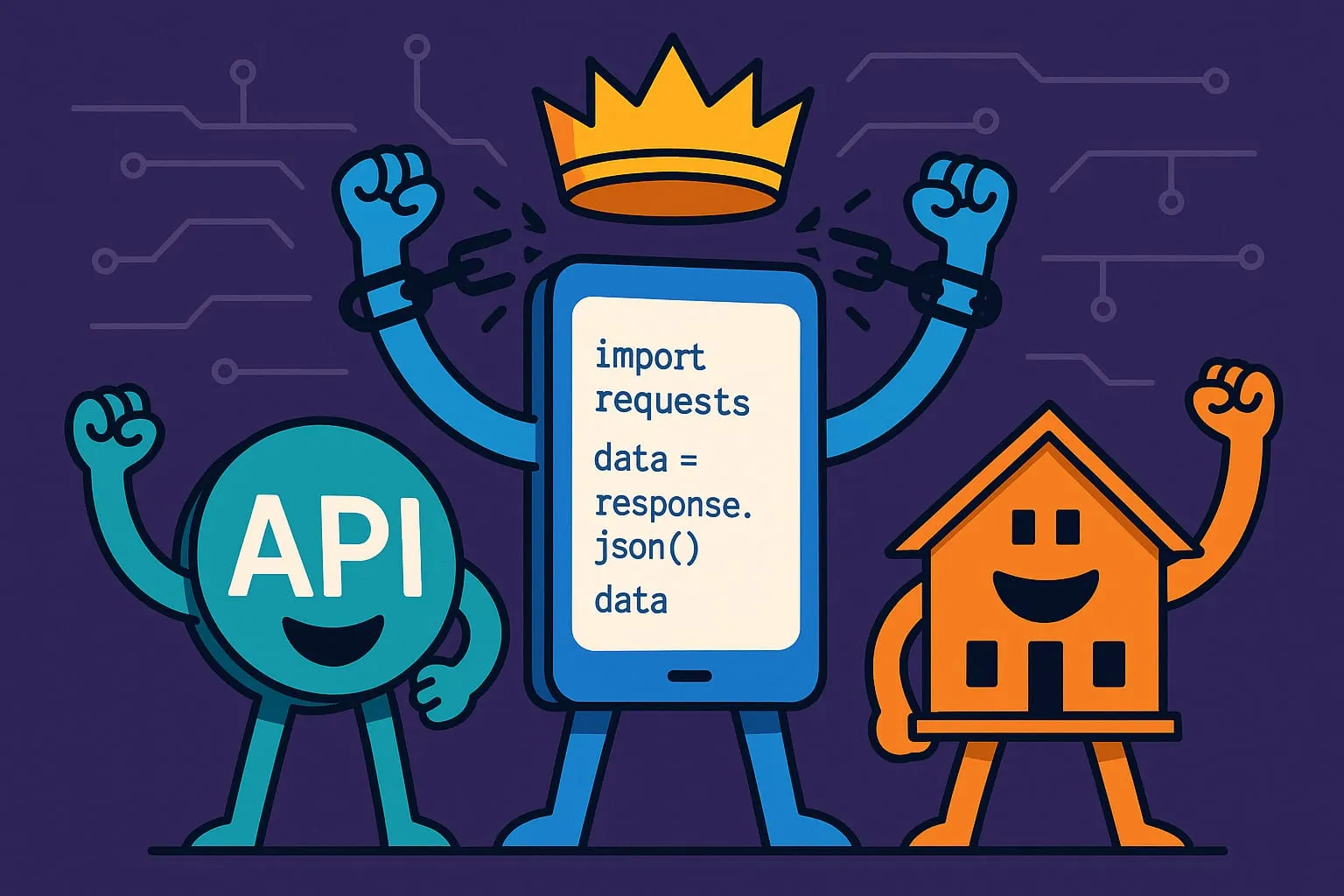
For years, Power BI has been one of the best tools for turning data into insight. But let’s be honest — if your data lived behind an API, things got messy fast.
Whether it was a SaaS tool with no direct connector or an internal API your dev team stood up, getting that data into Power BI was often painful. You’d wrestle with custom connectors, M code in Power Query, authentication headaches and row limits that made performance unreliable. It worked if you really pushed, but it was never smooth, and many teams gave up and settled for exporting CSVs.
Enter Microsoft Fabric
Fabric gives you notebooks and lakehouses as first-class parts of the data platform. Instead of forcing Power Query to handle API connections directly, you can use a notebook to connect to almost any API, land the data in a lakehouse, and treat it as a proper, reliable source for your analytics.
The new approach in practice
Here’s how simple it becomes.
Want to pull data from your CRM’s API? Write a Python or Spark notebook that handles the authentication, pagination and data shaping. Schedule it to run automatically and land clean data in your lakehouse.
A marketing automation tool with complex nested JSON? Let the notebook flatten and structure the data exactly how you need it, then store it in Delta tables that Power BI reads easily.
A line-of-business app with a quirky REST endpoint? Notebooks give you the full flexibility of code to handle whatever your API throws at you.
Once the data is in a lakehouse, the rest of Fabric takes over. You build semantic models on top of it and Power BI reports on those — without the fragile, cross-your-fingers API connections so many teams fought with before.
Why this matters
Moving API data into a lakehouse first opens up a lot.
Agility. You’re no longer limited to the connectors Microsoft or other vendors have built. If it has an API, you can bring it in. Custom authentication, complex pagination, rate limits and data shaping are all handled in code.
Reliability. Data lands in the lakehouse as a controlled, versioned asset instead of being pulled live each time a report refreshes. Performance becomes predictable, refresh failures become rare, and your users can trust that the data is there.
Scale. Whether you’re pulling a few thousand rows or millions, the lakehouse handles it. The bottlenecks and timeouts that made direct API connections brittle in Power BI go away.
Experimentation. Found an interesting API? Spin up a notebook, start pulling data and see what you learn. The cost of trying a new data source has dropped a long way.
From weakness to strength
API integration has long been one of Power BI’s biggest weaknesses. With Fabric, it becomes a strength. Power BI and Fabric together are now a serious option for API-first data strategies, not just databases and files.
You can build analytics around your whole software estate — CRM systems, marketing tools, support platforms, custom applications — without worrying about whether a connector exists or whether the connection will hold.
The bottom line
Fabric makes sourcing data from APIs not only possible but practical and scalable. If your data is spread across cloud apps and services, that is a real change in what you can report on.
You pull the data you need from anywhere, shape it in a lakehouse and deliver the reporting your business depends on, all inside the Microsoft tools you already use.
If API data has been holding your analytics back, it’s time to take a serious look at Fabric.